Tell us about you
Create your account and answer guided questions about income, expenses, and goals.

MAKE ROOM FOR WHAT MATTERS
Your budgeting app, expense tracker, and goal planner in one place. Give every dollar a purpose, understand your spending, and keep debt and savings in view.
A familiar experience across web, iOS, and Android.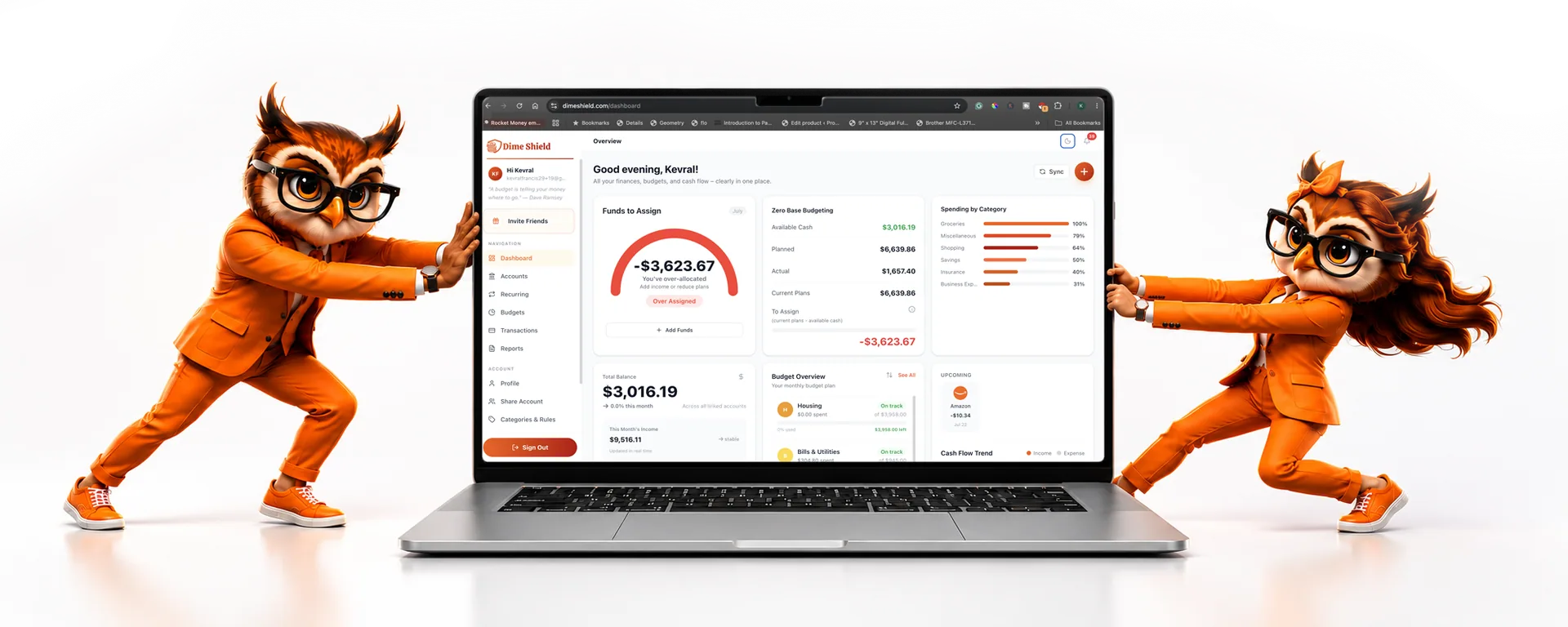
EVERYTHING CONNECTS
Give your income a direction, with room for the everyday and the unexpected.
Take a closer look ↗02Review balances and transactions together, then organize them your way.
Take a closer look ↗03Bring recurring bills and income into your plan before the month gets busy.
Take a closer look ↗04Track savings goals and debt alongside your spending.
Take a closer look ↗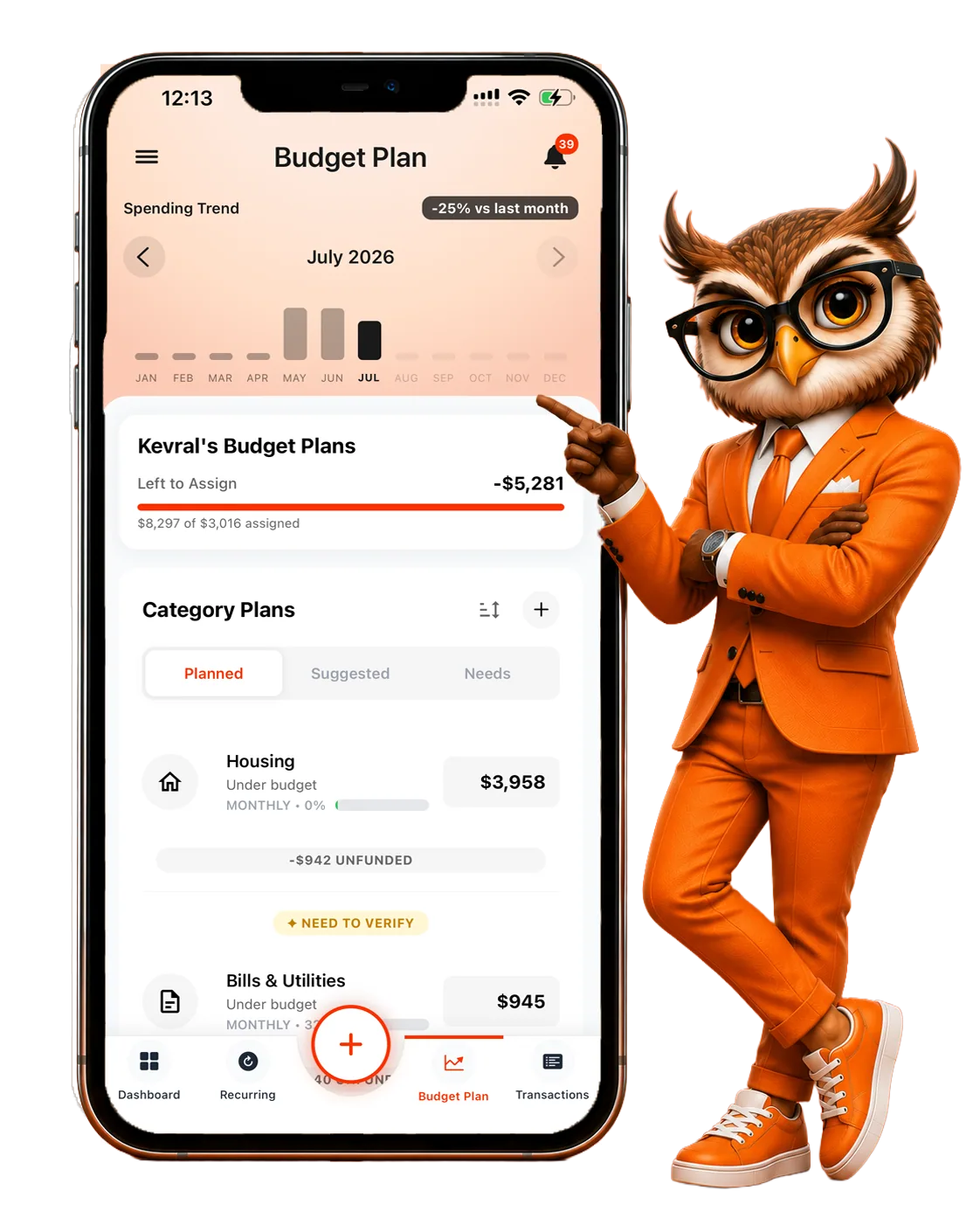
A PURPOSE FOR EVERY DOLLAR
Give your income a job before you spend it. Plan for essentials, make room for the things you enjoy, and include savings and debt payments in the same picture.
Explore the methodSPENDING ANALYTICS
Review spending by category, explore transactions, and compare trends. Turn the details into a clearer idea of what to adjust next.
Explore spending insights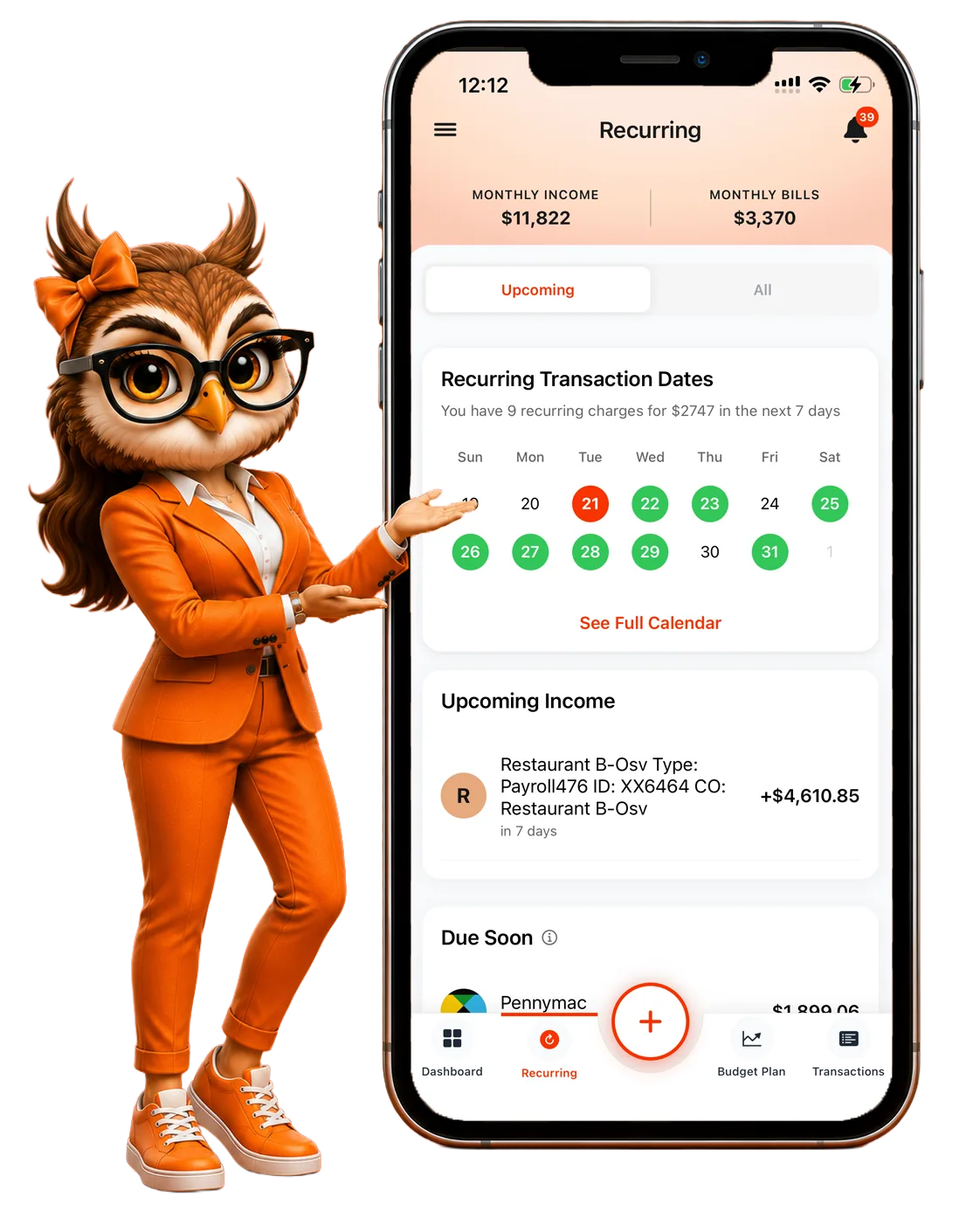
MAKE IT PERSONAL

MEET ROSE
Wondering where your money went or what bills are coming up? Start with a question. Rose helps you explore your financial picture.
Meet your assistantSTART SMALL. KEEP GOING.
Create your account and answer guided questions about income, expenses, and goals.
Review the category plans and savings goals created from your answers.
Review subscription options in the mobile app, add your accounts, and keep adjusting your plan.
Yes. Sign in to access your account in the browser.
You can add manual accounts and organize your plan without a bank connection.
Visit Pricing for an overview, then review the current offers and billing terms in the app before subscribing.
YOUR NEXT CHAPTER STARTS HERE